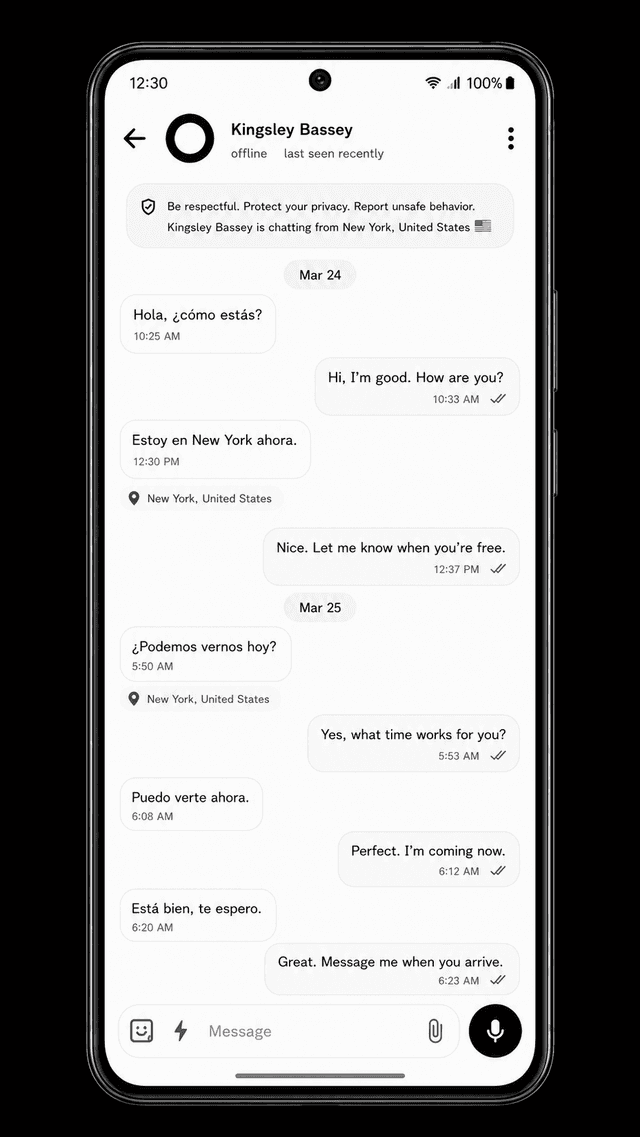
Consent first
Care without permanent surveillance.
Approved contacts, intentional sharing, visible privacy boundaries, and revocable access keep safety support connected to the user's choice.

StayKnown helps families support movement, visits, school, travel, ride-hailing, and uncertain moments without turning care into hidden surveillance.
Preview how a safety session worksStayKnown is built for travel, school, family movement, visits, night outings, ride-hailing, emergencies, and everyday moments where trusted people need meaningful safety context.
Approved contacts, intentional sharing, visible privacy boundaries, and revocable access keep safety support connected to the user's choice.
A Visit can explain the destination, current safety state, selected recipients, and when LIVE access should begin or end.
SOS, safety evidence, check-ins, and emergency contacts help trusted people understand what happened and what they should verify next.
The StayKnown flow explains who has access, why the session exists, what trusted people receive, and how the safety state ends.
Choose and approve the people who may receive your safety information.
Choose a Visit, I'™M SAFE check-in, Capture, or SOS based on the situation.
Communicate the destination, LIVE state, location confidence, and active safety status.
Notify configured contacts when a check-in is missed or an urgent flow is activated.
Confirm safety or deliberately close the session so trusted people are not left uncertain.
Follow an approved-contact relationship from permission through an active Visit, LIVE context, I’M SAFE, SOS escalation, and a verified ending. Nothing becomes permanent tracking.
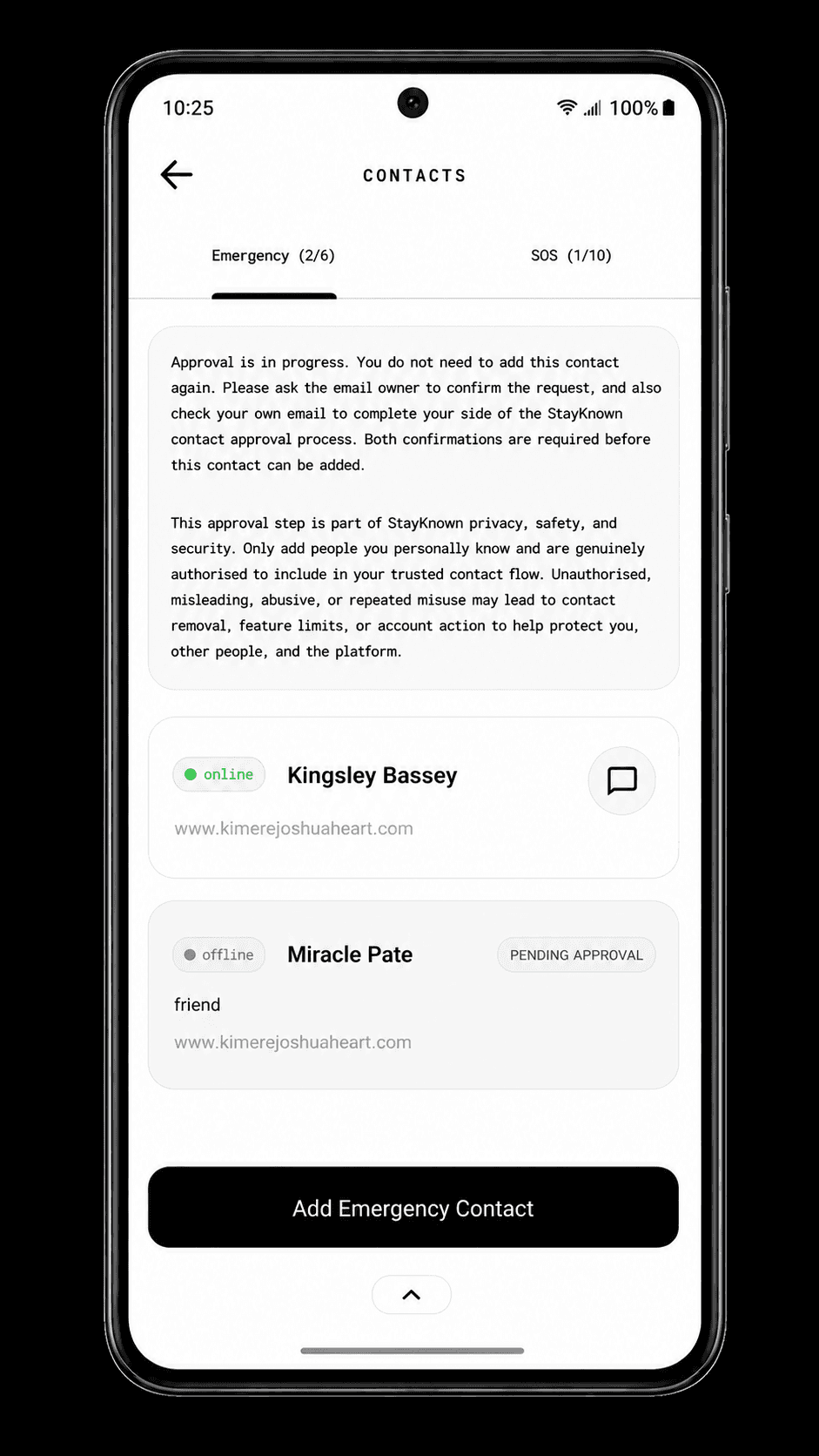
StayKnown does not begin with a hidden family map. The user chooses trusted people and accepts the relationship before safety access can become available.
The user sends or accepts a contact request and decides who can participate in supported safety flows.
The other person sees a clear approval relationship—not silent access to the user’s location.
Approval can be declined, restricted, blocked, or revoked. Approval alone does not start LIVE sharing.
StayKnown helps trusted people respond with context. It does not replace local emergency services or guarantee professional dispatch.
Chat connects protected entry, recognizable people, language-aware messages, voice, media, and everyday communication to the same approved-contact safety layer.
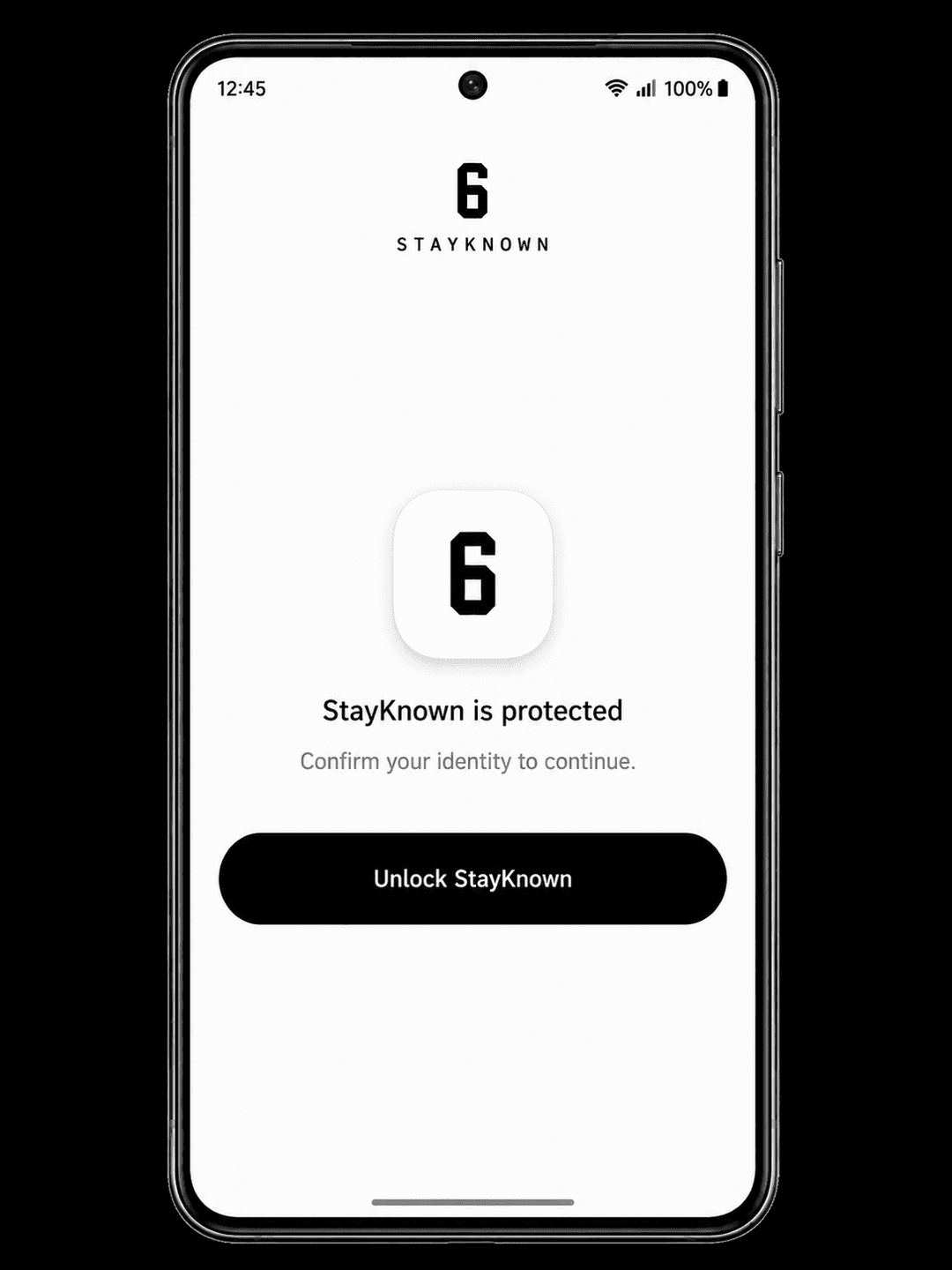
StayKnown Chat is designed around recognizable approved contacts. Supported biometric or device-level protection can add another barrier before private conversations open.
Tap through a private approved-contact Chat, a Trusted Circle, and the permission flow that protects every person before access changes.
Names, avatars, verification context, approved-contact status, and account protection help people recognise the conversation before they depend on it.
Opening Chat does not create hidden safety access or a new contact relationship.
StayKnown can support independence and reassurance at the same time because the person being protected remains central to the sharing decision.
Late study, campus movement, parties, new accommodation, and independent life without constant tracking calls.
Unfamiliar routes, ride-hailing, airport movement, work trips, visits, and destinations that deserve extra safety context.
Support teens and young adults while preserving independence, approval, guardian consent, and visible privacy boundaries.
Explore StayKnown across safety, consent, communication, verification, and emergency support.
Slide 1 of 18: GET SAFE
StayKnown was created by 6Clement Joshua to help people move, visit, chat, share safety context, and stay connected to trusted people wherever they go.
Choose Starter, Pro, or Pro Max based on the number of trusted people and safety tools you need. Final currency, provider, and checkout availability are confirmed inside StayKnown.
Prices may vary by billing region and payment provider. Paid plans do not guarantee official emergency response. StayKnown does not replace local emergency services.
Explore StayKnown's privacy, consent, anti-stalking, emergency, child-safety, billing, and security commitments before relying on the service.
The user can understand when sharing starts, who receives it, and when an authorized safety session ends.
Read the Privacy PolicyStayKnown's safety policies address stalking, harassment, luring, unauthorized monitoring, abuse, and unsafe use.
Open Trust & SafetyA dedicated security disclosure page gives researchers and users a responsible way to report concerns.
View Security DisclosureStayKnown is not being redesigned into an always-on family tracker. The competitive advantage remains a consent-recorded safety flow that tells trusted people what is happening and why access exists.
These are the most important questions about StayKnown's consent model, location access, plans, and emergency role.
No. StayKnown is built around user-started safety flows. LIVE location access is connected to a permitted active Visit or SOS flow rather than permanent family tracking.
Approval establishes a trusted relationship, but it does not automatically begin location sharing. Permitted contacts receive location access only through supported safety flows the user starts or authorizes.
StayKnown can create a missed-check-in notice for the relevant trusted people based on the configured safety flow, helping them understand that confirmation was expected but was not received.
No. StayKnown helps users alert trusted contacts and share safety context. It does not guarantee professional dispatch and should not replace contacting the appropriate local emergency service.
Yes. StayKnown Chat supports communication between approved contacts, protected chat entry where supported, language-aware translated messages, voice notes, media, stickers, and other expressive formats. Chat remains connected to the wider approved-contact and safety experience.
Yes. Starter provides core safety access, one approved contact, Visits, twice-daily I’M SAFE check-ins, and basic emergency and safety-proof flows. Pro and Pro Max increase capacity and unlock advanced features.
StayKnown is currently available for Android through Google Play. The website explains the product, plans, privacy boundaries, safety policies, and onboarding before installation.
More onboarding, account, Visit, SOS, payment, and troubleshooting guidance is available in the StayKnown Help Center.
Open Help CenterDownload StayKnown, choose your approved contacts, and prepare your safety settings before you need them.