
What the user does
Send or accept an approved-contact request and decide who may participate in the supported safety relationship.
StayKnown helps people move, visit, check in, and escalate danger through user-started safety sessions—without turning trusted relationships into permanent surveillance.
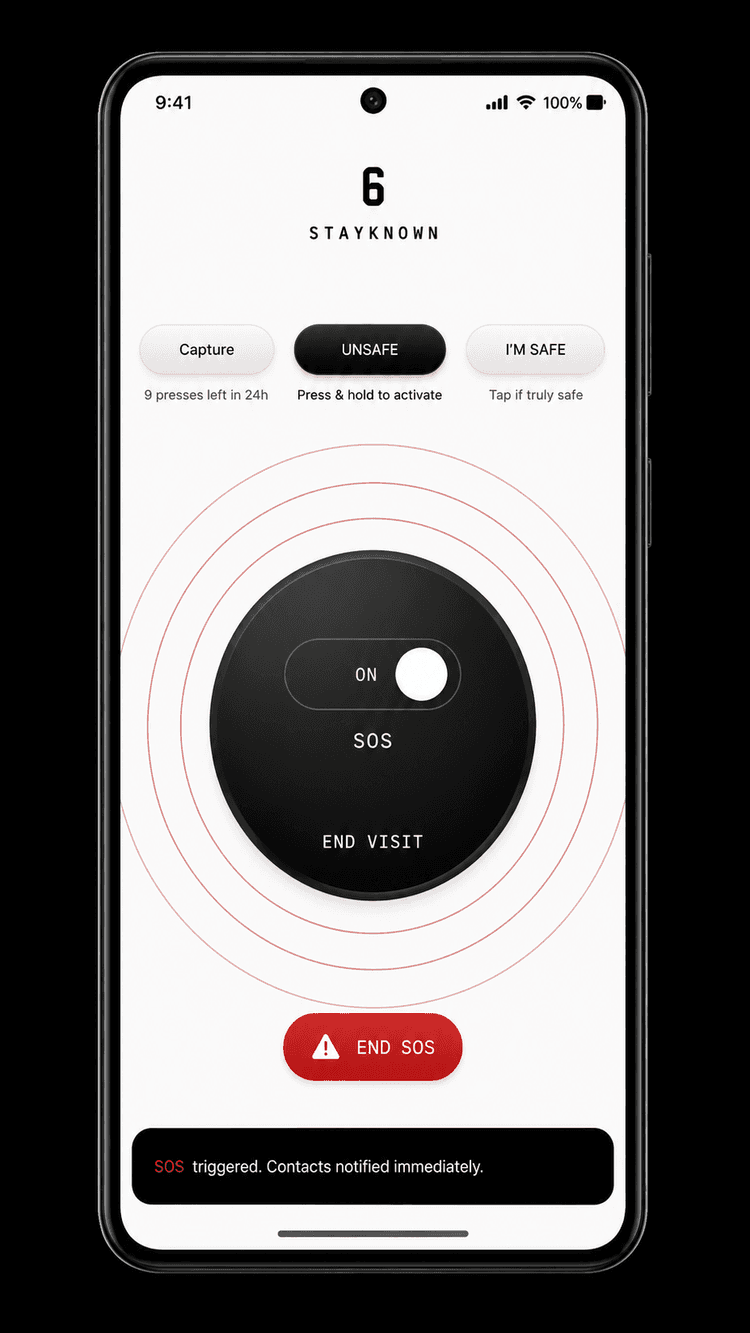
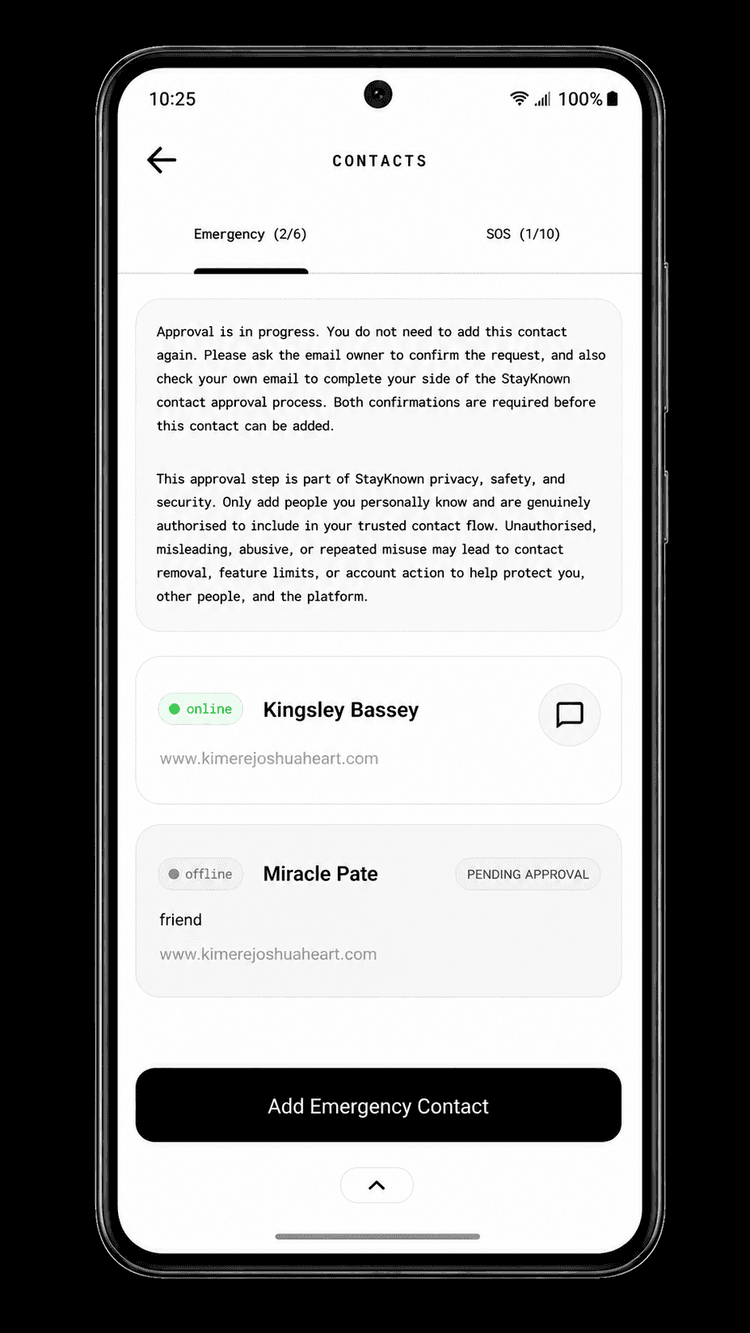
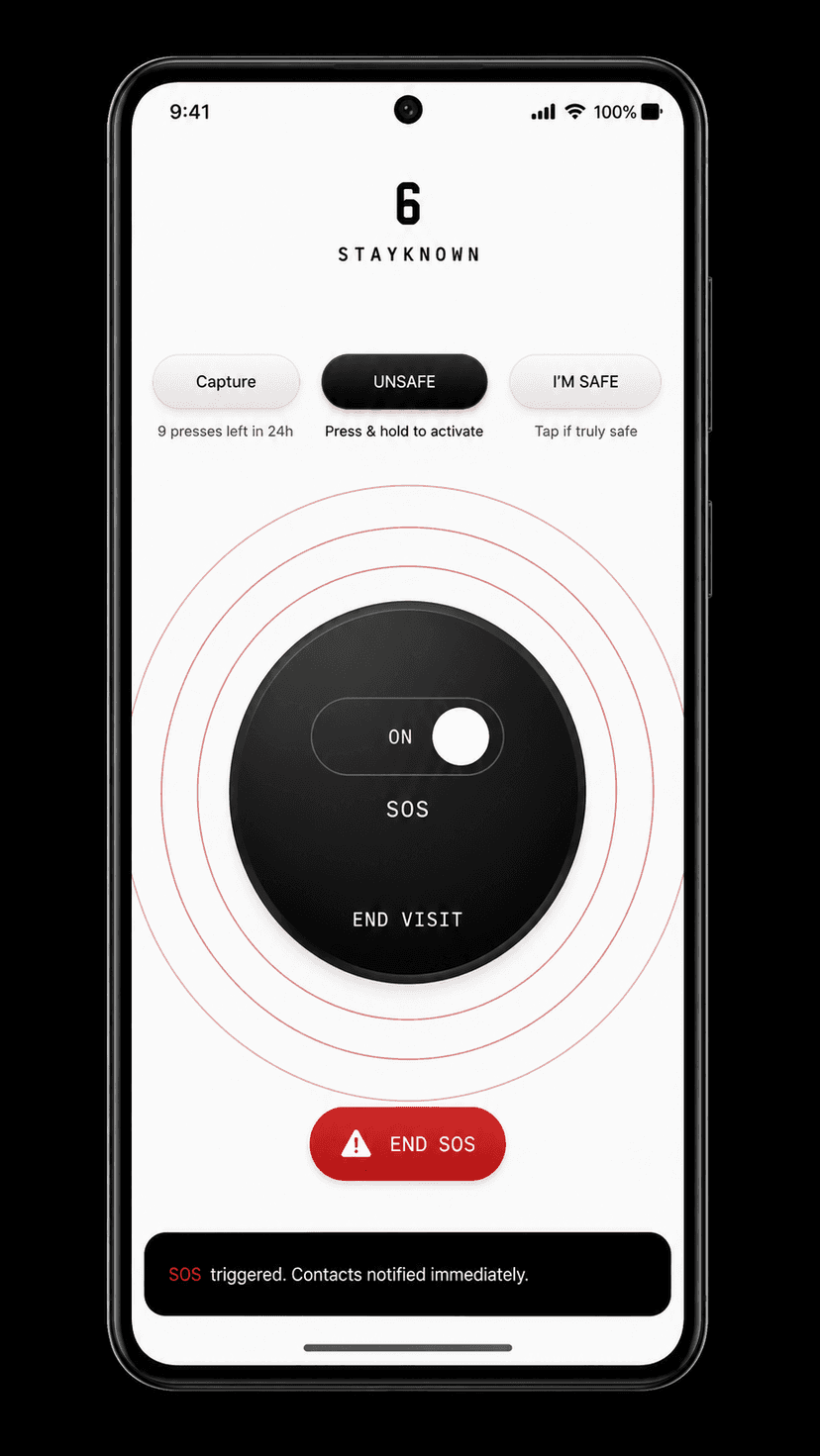
Move through each stage to understand the user action, the trusted contact experience, and the consent boundary that keeps StayKnown different from always-on tracking.
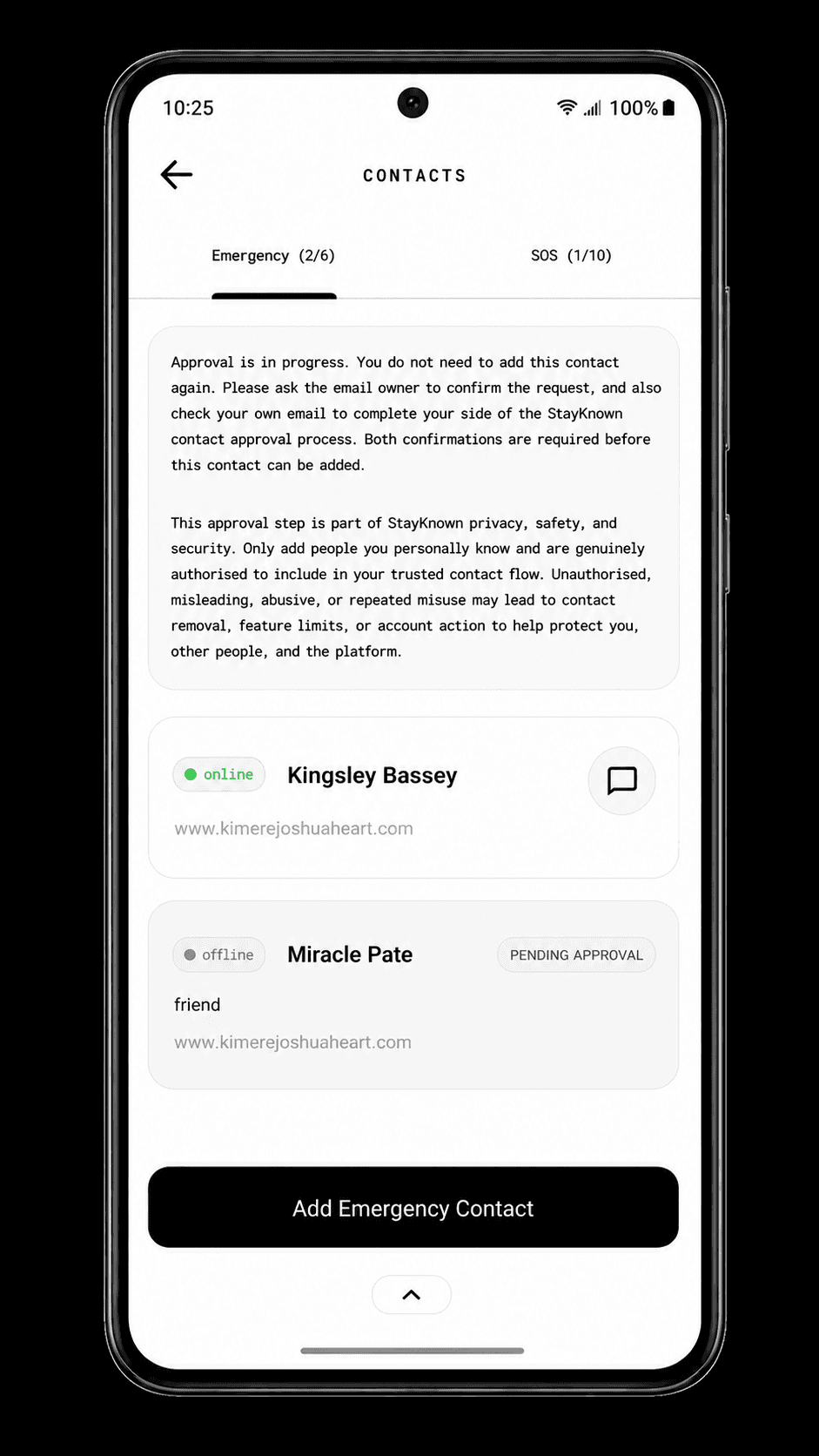
StayKnown begins with a visible relationship between people—not a hidden map. The user decides who can participate in supported safety flows.
Send or accept an approved-contact request and decide who may participate in the supported safety relationship.
The other person sees a clear request and approval state. They do not receive silent access to the user’s location.
Approval creates a trusted relationship. It does not automatically start LIVE sharing.
StayKnown separates the trusted relationship, the active safety session, the emergency escalation, and the verified ending. That separation is the foundation of the consent-first model.
The people know each other inside StayKnown, but no LIVE session is running.
Only the recipients selected for the active safety flow receive its context.
The configured emergency circle receives the strongest available alert context.
The safety session is finished and its LIVE access does not continue permanently.
A safety notification should explain what happened, what protection is active, and what the trusted person can do next. StayKnown is designed around that handoff—not just a raw coordinate.
Destination, selected recipients, and active safety context.
Permitted location, confidence, user recognition, and session state.
Direct reassurance with the supported check-in context.
Urgent escalation with clear response actions and safety details.
Start with the free Starter plan, add an approved contact, practise the flow, and choose when a real safety session should begin.