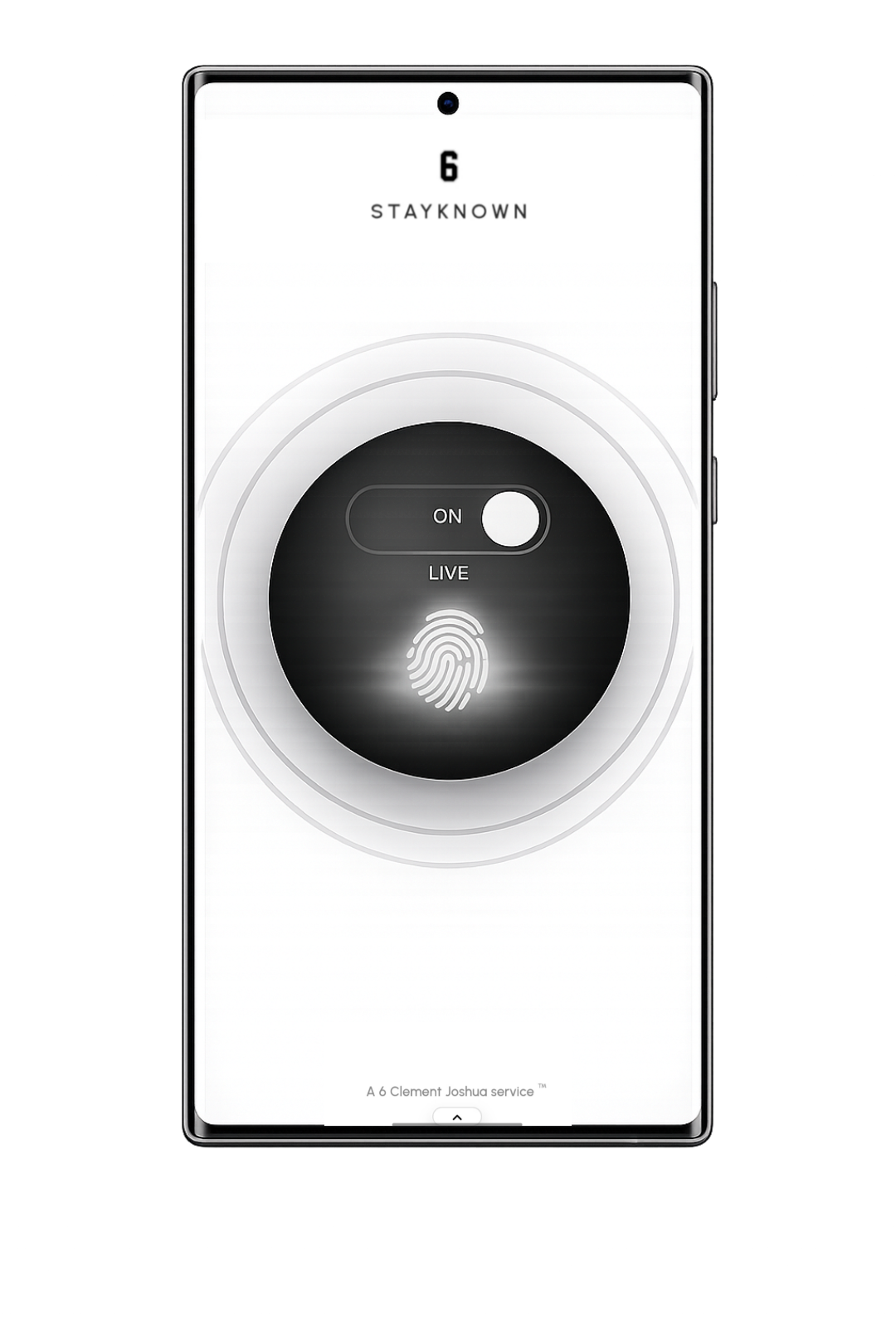
Confirmed endings for sensitive safety states

Verified Stop

Verified Stop is the safety principle that says ending an active protection state should be clear, deliberate, and harder to confuse with an accidental tap.

It sits above two detailed flows: End SOS verification for urgent emergency posture, and End Visit verification for active safety sessions. This page explains the shared logic without repeating either full page.

The verified-stop promise
When a safety state ends, the app should help everyone understand that the finish action was intentional enough to trust. It is a protection layer, not a guarantee of safety or a replacement for emergency services.
Principle
Intent
The stop action should feel deliberate.
Scope
Sensitive
Used around safety states that should not end casually.
Signal
Clear
Trusted recipients should understand the transition.
Experience by plan
Pro
  • Pro can support stronger finish behavior around sensitive actions when the user enables the related security setting.
  • Verified Stop helps the app treat safety endings as meaningful state changes, not casual UI exits.
  • Useful for active safety sessions, urgent SOS states, night travel, rides, unfamiliar places, and higher-attention routines.
  • Pro is the practical layer for users who want protected endings without needing every ProMax presentation feature.
Note: Verification depends on available device authentication and the user’s enabled security settings.
Verified Stop safety confirmation
Scenario thinking
“Starting a safety state is important. Ending it should also feel intentional, understood, and hard to do by mistake.”

Verified Stop is the design principle behind protected endings. It does not belong to only one button. It is the idea that sensitive safety states should not disappear because of panic, pocket taps, casual phone handling, or unclear intent.

This overview connects the two detailed stop flows without repeating them: ending an urgent SOS state and finishing an active Visit session.

Bridge logic
The same idea applies to different safety states, but the meaning changes by context.

Ending SOS is about leaving the most urgent protection posture. Ending a Visit is about finishing an active safety session. They are not the same moment, so each deserves its own detail page.

Verified Stop is the shared foundation: when the app is protecting a sensitive state, stopping should be purposeful, readable, and connected to the user’s security posture.
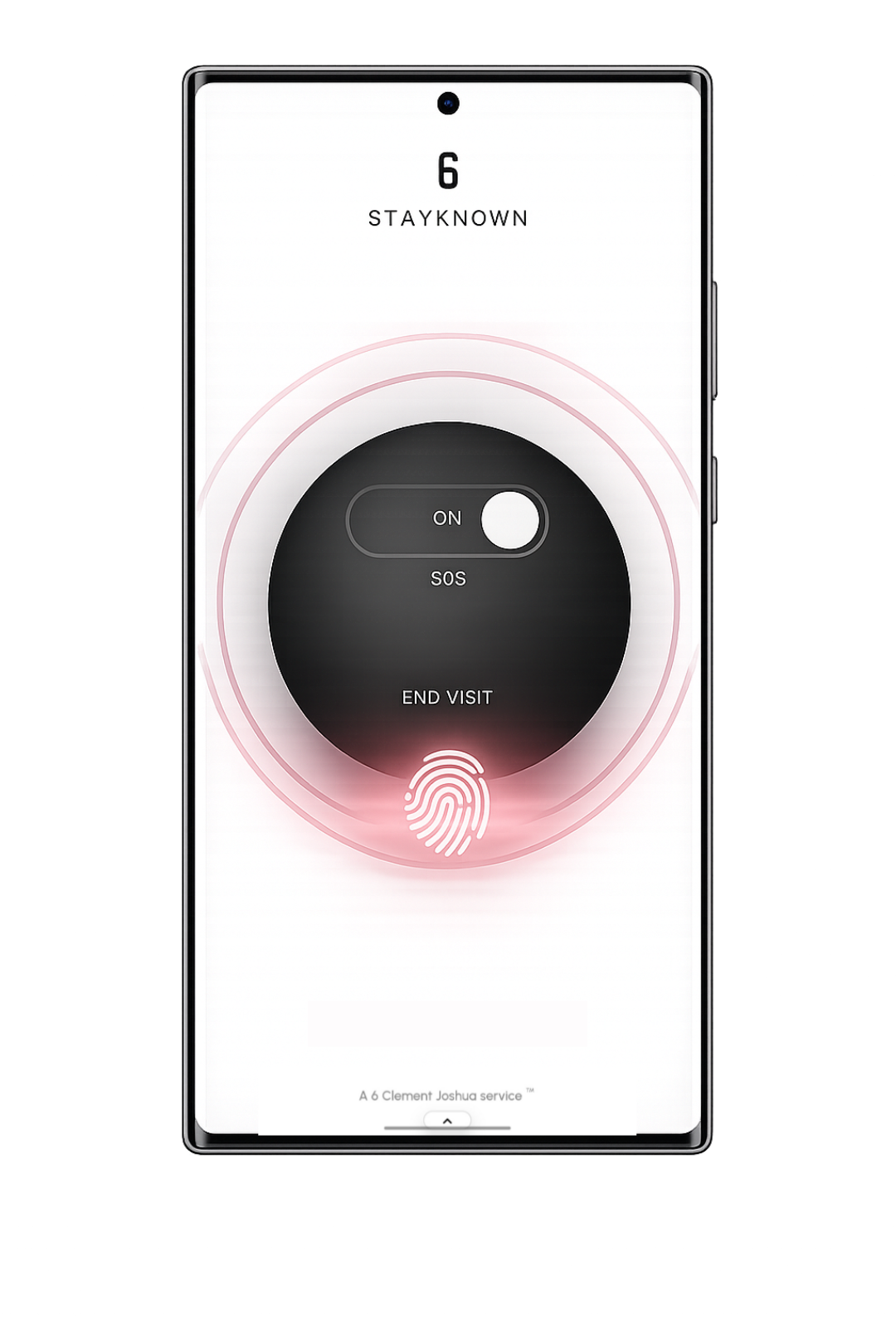
What Verified Stop means
Verified Stop is not only a button style. It is a state-transition rule:
• the current safety state is active
• the user requests to stop it
• the app checks whether stronger confirmation applies
• the finish state becomes easier to trust
What this page does not repeat
This page does not re-explain every End SOS or End Visit detail. Instead, it explains the shared design reason behind both flows: sensitive protection should not disappear casually.
Use the two linked pages for the deeper step-by-step behavior.
Why the transition matters
Safety products are judged by state clarity. Users and contacts need to know whether protection is active, ending, ended, failed, or waiting for confirmation.
Verified Stop helps make “ended” feel like a meaningful result, not an accidental disappearance.
Where device authentication fits
Biometric or device-level confirmation can act as the proof layer around selected stop actions. The exact behavior depends on device support, app settings, and the user’s enabled security posture.
Public copy should center on biometric/device-level verified stop, not public-facing passcode language.
When friction is useful
Friction is bad when it slows ordinary use. It is useful when it protects a sensitive ending:
• panic tapping
• pocket or bag handling
• someone else holding the phone
• pressure to end protection too early
Trusted contact interpretation
The recipient should not need to decode raw app behavior. If a safety state ends, the message and state label should make that transition understandable.
That is especially important during SOS, but it also matters for Visits watched by family, friends, or trusted contacts.
Law-abiding safety posture
Verified Stop supports user-directed safety. It does not authorize stalking, coercion, harassment, false alarms, unauthorized monitoring, or misuse of location sharing.
In immediate danger, users should contact local emergency services directly.
Investor value
Verified Stop proves the product thinks beyond activation. A serious safety platform must handle the full lifecycle: start, live state, escalation, trusted-recipient context, and protected finish.
That makes StayKnown feel more complete than a simple alert button or location-sharing screen.
Search discovery focus
This page is written for discovery around verified stop, protected safety endings, and biometric confirmation.

Visitors should understand the phrase quickly: Verified Stop means sensitive safety states can require clearer intent before they end. For deeper examples, the End SOS and End Visit pages explain each flow separately.